
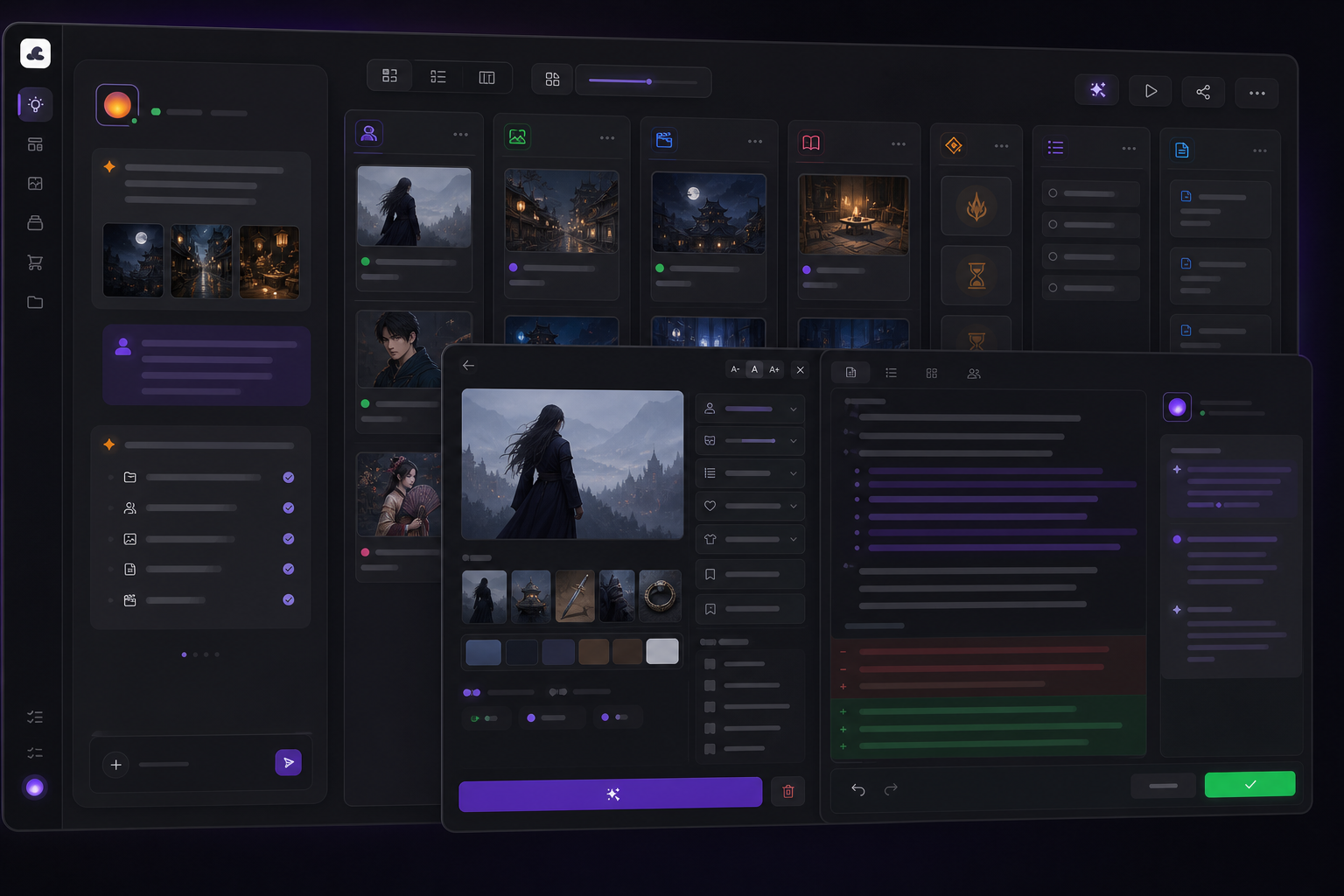
Shoot multi-angle character sheets for every main character first (front, profile, 45°), and lock the style on three key pages before scaling up. In multi-character panels, bind each character's attributes explicitly and declare each reference image's role. Leave blank space for speech bubbles and typeset the text in post — don't expect the model to render long text. Before changing a design, list the affected pages first. The entire difference between one-off images and a sustainable project lives in these process details.
Character consistency: character sheets are the only reliable method
Keeping a character consistent through text description alone ("a girl with short black hair and amber eyes") starts drifting around page five — every generation, the model re-imagines that sentence from scratch. The reliable approach is to pin the character to image references:
- Generate a full character sheet set for every main character: front + profile + 45°. A single front-facing shot isn't enough — when you reach a profile shot, the model has never seen this character's profile and can only make it up. Multi-angle references are a rule we validated on video models that holds just as well for image models.
- Build a separate pack for each outfit. Costume changes are the worst offender for consistency: make every look its own reference set (reshot from the same angles) instead of writing "she's wearing her school uniform today" in the prompt.
- Generate common expressions ahead of time. High-intensity expressions — sobbing, laughing, rage — are the ones most likely to break the face. Use the character sheets with image-to-image to hold the features in place.
- Every page after that references this asset set. The temptation is "this off-the-cuff generation looks pretty good too" — accept it, and your character starts forking.
Multi-character panels: attribute binding and reference declarations
A large share of comic panels put two or three characters in the same frame, and this is where prompt-writing technique makes or breaks you:
- Bind attributes per character. "A boy in a black uniform glances back warily on the left of the frame; a girl in a white dress stands with her back to him on the right" — every attribute sits directly next to its character, and positions use frame language (frame left/right, foreground/background), never subject-relative phrasing like "to his left." Write "a boy and a girl, black uniform, white dress" and the model may well put the girl in the uniform.
- Declare each reference image's role. When you hand over character A's sheet, character B's sheet, and a location reference at the same time, you must spell out "image 1 is the boy's appearance, image 2 is the girl's appearance, image 3 is the background location." Provide images without roles and the model blends features from all three — the number-one failure mode of multi-reference generation, and one every vendor's official docs specifically warn about.
- Negations fail on image models too. "No other people in the background" → "a deserted street in the background." Specificity itself is the best exclusion tool: fill the frame with description and clutter has nowhere to grow.
Speech-bubble text: past about six words, don't count on the model
Models have gotten much better at rendering in-frame text over the past two years (short titles, signage, and sound effects are now usable), but dialogue bubbles are a different beast: long text produces typos, melted glyphs, and broken layout — and every line rewrite means rerolling the whole panel. The cheapest approach in practice: leave room for bubbles in the composition at generation time (write "leave blank space at the top of the frame for a dialogue bubble" in the prompt), then place the text in post with a layout tool. That also means editing dialogue or translating into other languages never touches the artwork. When you genuinely want the model to render text, put the exact wording in quotes, specify the typeface mood and position, and keep it under about six words.
Revision ripple effects: the page-thirty lesson
The most expensive operation in a comic project isn't generation — it's changing a design. On page thirty you decide to add a red armband to the protagonist's uniform. What about the previous twenty-nine pages? There's no magic fix for this, only a process fix:
- Lock three key pages before scaling up. The opening page, one climax page, one everyday page — only when style and character performance all satisfy you should you push into volume. Style drift caught on page three costs you two redrawn pages; caught on page thirty, it costs you a redrawn volume.
- Record which references and which prompt every page used. When you change the armband, you need to know which pages referenced the old uniform — with records, that's a filter operation; without them, it's a manual sweep of the entire volume.
- Write design changes into assets, not prompts. Add the armband to the outfit pack and reshoot the character sheets, and later pages inherit it automatically. Hand-write "remember the armband" into every page's prompt, and some page will always forget.
We organized MajoFlow's asset workshop and generation history around exactly this logic: character packs, outfit packs, and location packs are referenced by pages, and every generation preserves the provenance of its references and prompt. But the process itself doesn't depend on any particular tool — a rigorously maintained folder and spreadsheet will do it too. What matters is starting from page one.
FAQ
My characters keep changing faces the further I draw — what do I do?
Stop describing characters in text alone. Build multi-angle character sheets (front + profile + 45°) and reference them in every generation; in multi-character panels, declare each reference image's role. Text descriptions get re-imagined by the model every time — image references don't.
The text in my dialogue bubbles is always wrong or blurry?
That's normal for today's models and not worth rerolling over. Leave room for bubbles in the composition and place the text in post with a layout tool. For short text the model should render (sound effects, signage), put it in quotes, specify position and typeface mood, and keep it under about six words.
Should I finish writing the whole story first, or write while I generate?
Visual exploration can help you discover the story, but before batch production you should at minimum lock: the chapter's goal, character sheets for the main cast, and the style of three key pages. Otherwise you end up with a pile of beautiful, disconnected panels that won't cut together.
Is MajoFlow a comic generator?
No. It's a creative space that organizes this entire process — character assets, reference citations, generation history, storyboard to page — inside one project. Comics are one use case; the same asset set carries straight into motion comics and short films.
Keep reading
MajoFlow's core positioning has grown into a multimodal AI canvas and visual production workflow — comics are just one of its use cases.